

5v Smart RGB Neon Light Strip USB App/Remote Control Music Sync Waterproof Flexible Neon Strip for Bedroom Game Party Decoration


5v Smart RGB Neon Light Strip USB App/Remote Control Music Sync Waterproof Flexible Neon Strip for Bedroom Game Party Decoration
SPECIFICATIONS
Brand Name: OSIDEN
Certification: ce,UL,CE,RoHs
Choice: yes
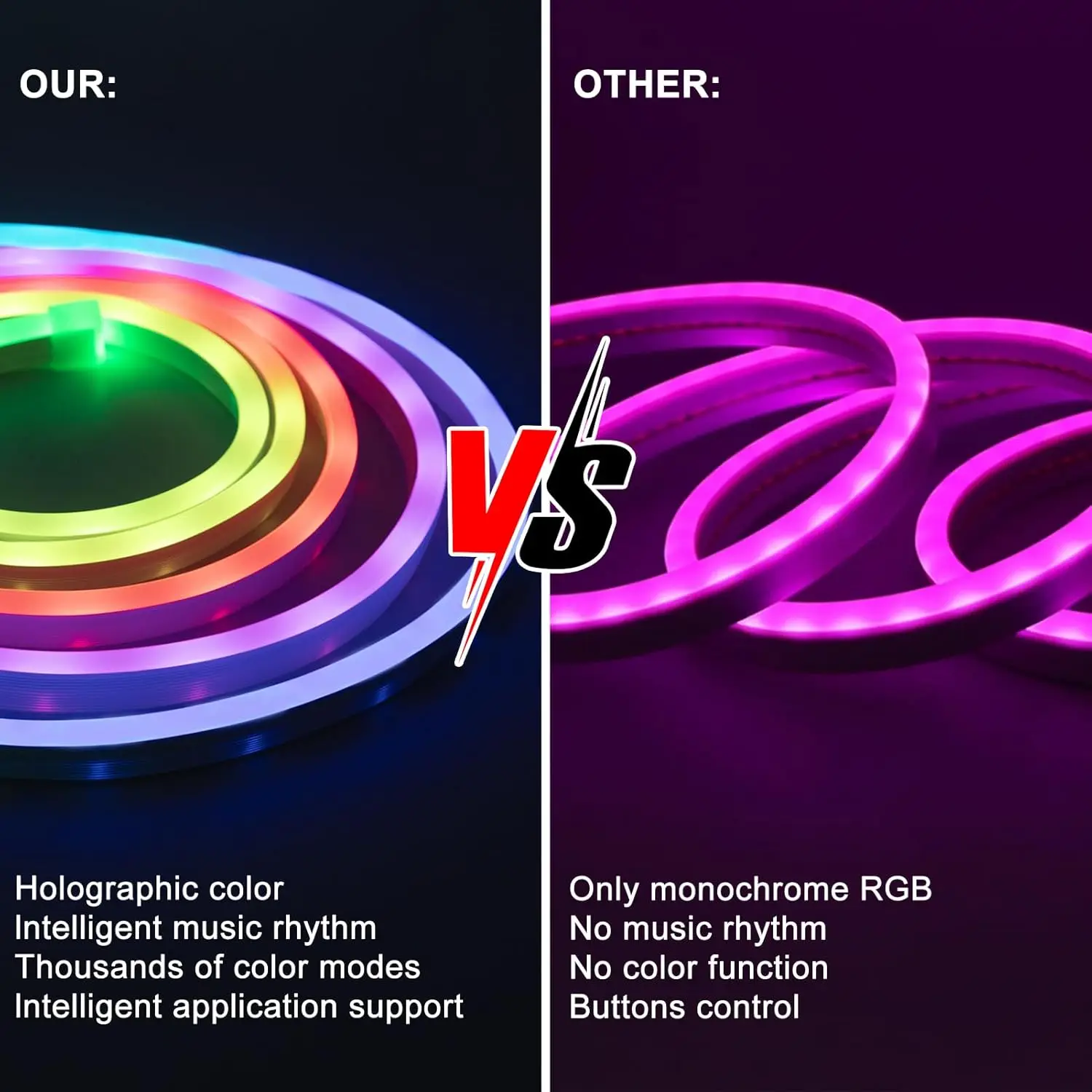
Features 1: RGB Neon Strip Light
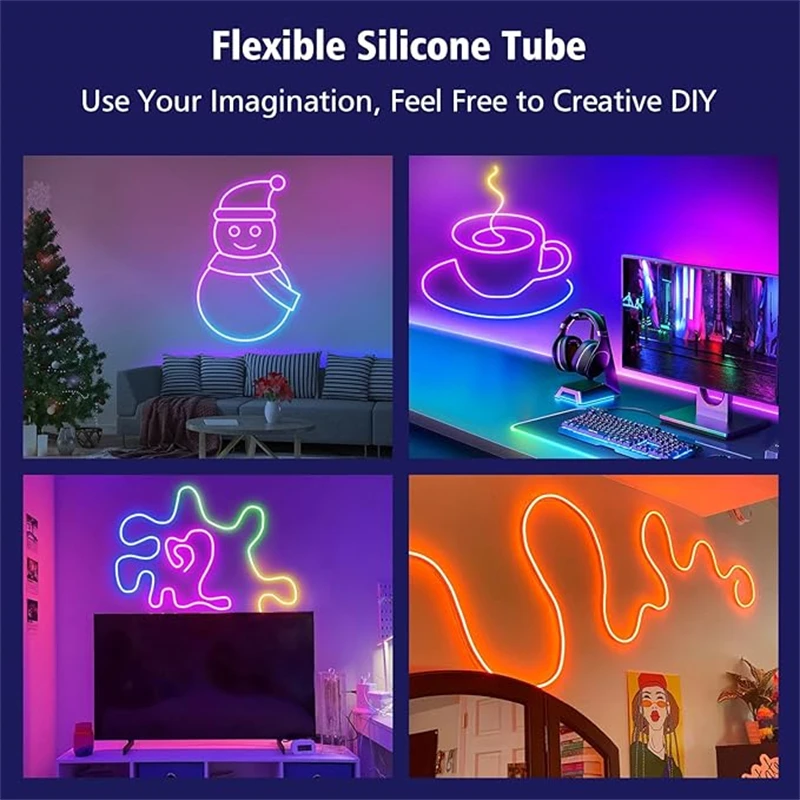
Features 2: DIY Design Flexible Led Rope Lights
Features 3: Waterproof Neon Light
Features 4: USB Flexible Silicone Light
Features 5: LED Neon Light
High-concerned chemical: none
Is Batteries Included: Yes
Is Smart Device: Yes
Item Type: Strip
Luminous Flux: 249-2000
Nominal Voltage: 5v
Occasion: Living room
Origin: Mainland China
Power Source: DC
Voltage: 5V
Waterproof: Yes
Type: LED Neon RGBIC Strip Light
Working Voltage:DC5V
Waterproof: Yes
LED Type: SMD 3030
Strip Length: 1M/2M/3M/5M/10M
Light Color: RGBIC (Dream Color)
Control Methods: Bluetooth/Remote Control
Remote Controler:CR2025(Not include battery)
Connection steps
1: Open the APP
2:Long press the controller button, the light strip will display red light and flash
3: Add a device with "+" in the upper right corner
4: Select the Lighting-Strip Lights(WI-FI)
4: Add connection to WIFI (enter password)
5: The light bar flashes normally, and then click "Next".
6: Successfully connected






Notes on Adjusting the Lamp Bead APP
If some of the light beads do not light up, please debug according to the following steps
1.The first step is to findthe Adjust homepage,then find PlXELS andclick on it
2.After finding PlXELS, you will see an 8-300 value box.Click on the value box and enter 300
3.After entering 300 in the value box, simply click the YES OK button to complete the setting